lusterpass
Secrets that AI coding agents can use, but never see.
A clean replacement for .env files in CI and on dev workstations.

No migration required. The demo shows
lusterpass execbecause it’s visually clearest, buteval "$(lusterpass env)"is equally supported, equally agent-safe in a captured-pipe context, and the right choice for direnv. Both paths are first-class — pick whichever fits your workflow. See Security model for the full comparison.
Lusterpass is a CLI that loads secrets from Bitwarden Secrets Manager into a child process’s environment. The values never enter an AI agent’s transcript, your shell history, or a checked-in file — they flow straight from your encrypted local cache into the subprocess that needs them.
Built for two audiences that share the same problem:
- Human developers and CI pipelines — anyone running deploy scripts, integration tests, or local dev servers who’s tired of
.envsprawl, accidentally-committed.envrcs, and secrets in CI logs. - AI coding agents — Cline, Cursor, Aider, OpenClaw, Hermes, and any LLM-driven workflow that needs to run real commands without leaking secret values into prompt cache or vendor telemetry.
View on GitHub · Latest release · Report an issue
Install
curl -sSfL https://raw.githubusercontent.com/lustertools/lusterpass/main/install.sh | bash
For specific versions and custom install directories, see the README.
Documentation
- Bitwarden setup guide — set up your Bitwarden Secrets Manager account, organization, and machine access token. Start here if you don’t have a Bitwarden Secrets Manager account yet.
- Migration guide — migrate an existing
.envrc(or any shell rc file) to lusterpass with the built-inlusterpass migratecommand. - Security model — the precise threat model: what lusterpass defends against, what it does not, how each execution path actually works, and comparisons to alternatives.
Quickstart
After installing and setting up Bitwarden, drop a .lusterpass.yaml in your project root:
project: myapp

common:
  vars:
    APP_NAME: myapp
  secrets:
    DATABASE_URL: db-url--myapp
    OPENAI_API_KEY: openai-key--myapp
Then:
lusterpass login                              # one-time: store token + org ID
lusterpass pull                               # fetch + encrypt locally

# Recommended: secrets exist only in the child process, never in your shell.
lusterpass exec -- ./run-migrations.sh
lusterpass exec -- npm test

# Alternative: load into current shell (persists until exit).
eval "$(lusterpass env)"
exec is the safer default. See Security model for the full comparison.
If you need per-environment differentiation (dev / staging / prod), add a profiles: section to the same file and pass --profile <name> to pull, exec, and env. Profile values override common values for the same key. See the README for the full multi-profile shape.
Your subprocess sees the resolved values. Your AI agent’s transcript, your shell history, your CI logs, and your checked-in files don’t.
See it in action
The full daily workflow — login, list, pull, env, enrol — in 30 seconds:

Shell completion
Lusterpass ships dynamic shell completion via cobra. Tab-completion always reflects the installed binary’s current command tree — no need to regenerate when you upgrade.
# zsh
lusterpass completion zsh > "${fpath[1]}/_lusterpass"

# bash (Linux)
lusterpass completion bash > /etc/bash_completion.d/lusterpass

# bash (macOS, with bash-completion@2)
lusterpass completion bash > "$(brew --prefix)/etc/bash_completion.d/lusterpass"

# fish
lusterpass completion fish > ~/.config/fish/completions/lusterpass.fish

# PowerShell
lusterpass completion powershell | Out-String | Invoke-Expression
About lustertools
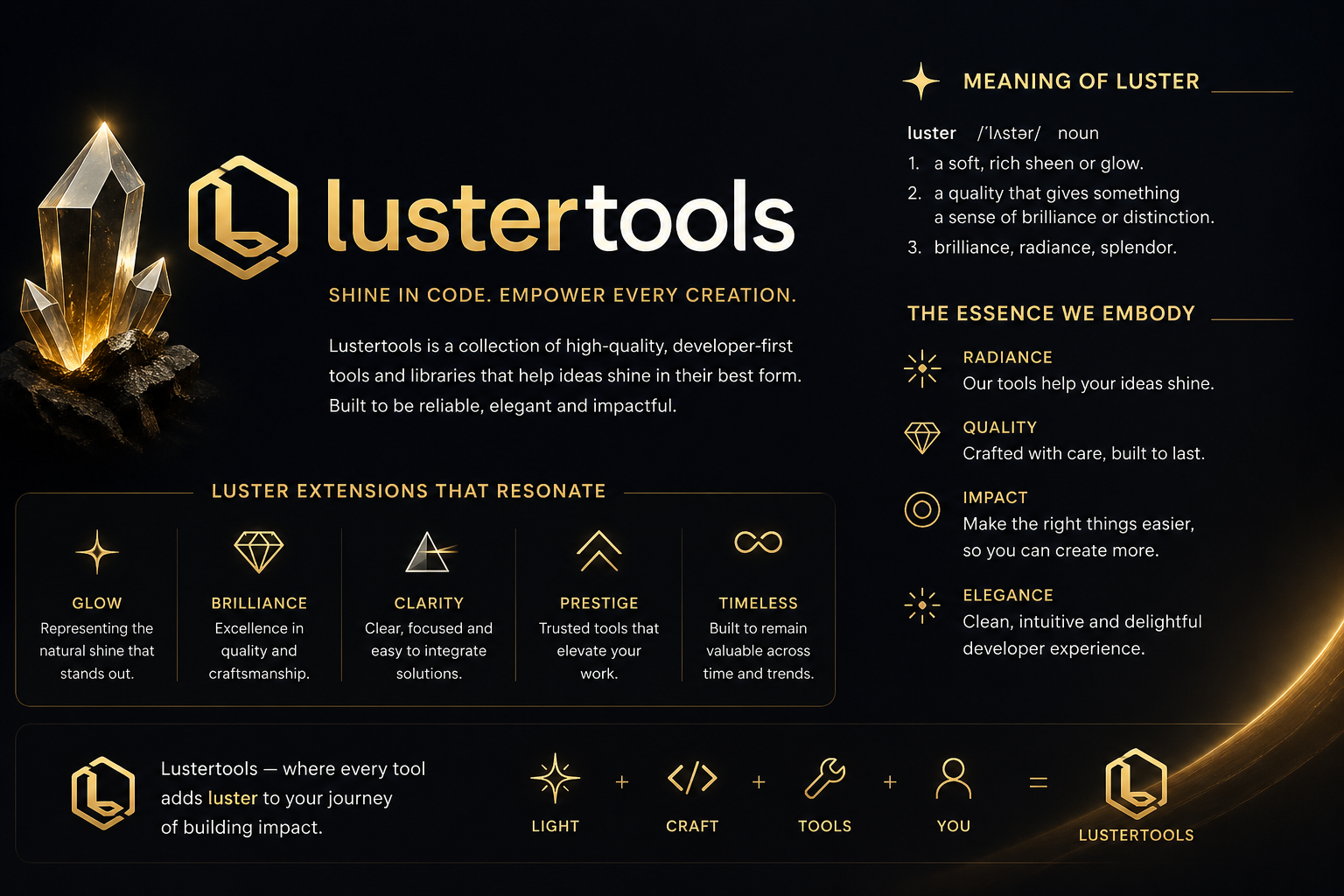
Lusterpass is part of lustertools, a collection of high-quality, developer-first tools and libraries that help ideas shine in their best form. The lustertools family is built on four principles: radiance (your ideas shine), quality (crafted with care, built to last), impact (make the right things easier so you can create more), and elegance (clean, intuitive, delightful developer experience).